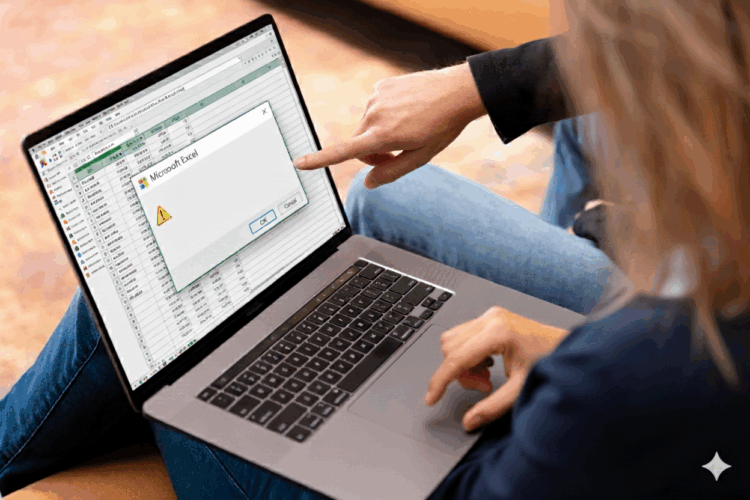
Excel is still widely used for workforce planning and creating work schedules. It is easy to use, flexible, and familiar to many teams. However, experience shows that Excel will increasingly reach its limits by 2026.
Organizations are growing, teams are becoming more complex, and regulations regarding working hours, breaks, and rest periods are becoming stricter. At the same time, employees expect more clarity and predictability in their work schedules.
In this context , the 5 mistakes in Excel-based workforce planning that you should avoid in 2026 are becoming increasingly common. Not because planners aren't doing their jobs well, but because Excel isn't designed to handle modern workforce management challenges.
Excel relies entirely on the user. While this may seem flexible, it makes workforce planning vulnerable.
In many organizations, there is a requirement to work in accordance with clear agreements regarding working hours, breaks, and rest periods. Excel does not automatically check for compliance. Errors often go unnoticed until they lead to discussions or a formal audit.
Staffing plans in Excel are often shared via email or through shared folders. The result: multiple versions coexisting side by side.
Work plans are agreements. If these agreements are not clearly defined, it creates uncertainty. Both employees and planners lose confidence in the planning process.
See also: Viewing Your Schedule via an App
Sick leave, vacation, and last-minute changes are all part of everyday work life. Excel isn't well-suited for this.
In 2026, employees will expect changes to be communicated clearly, in a timely manner, and consistently. If this does not happen, workforce planning will be perceived as chaotic and unreliable.
Excel does not support automatic compliance with agreements regarding working hours, breaks, and rest periods.
Companies are increasingly required to demonstrate how they ensure compliance with regulations. Manual checks are prone to errors and depend on individual vigilance.
What begins as workforce planning is sometimes used, without anyone noticing, for evaluations or comparisons as well.
Excel does not have a clear division of roles. Anyone with access can see everything. This contradicts modern expectations regarding data protection and transparency.
Future-proof workforce planning isn't just about tools—it's about clear principles:
Organizations that handle this matter thoughtfully experience more calm, fewer arguments, and greater trust.
Sometimes for small teams, but it's becoming increasingly difficult for complex environments.
Due to the lack of automatic monitoring of working hours, breaks, and rest periods, as well as a lack of real-time collaboration.
No. The level of sensitivity varies, but the underlying problems are evident everywhere.
Often not. The greatest benefit lies in simplicity, tranquility, and clarity.
Identify where Excel currently has shortcomings in tracking working hours, breaks, and rest periods.
Due to stricter regulations, higher expectations of employees, and increasing complexity in planning.
The 5 mistakes in Excel workforce planning that you should avoid in 2026 show that Excel offers flexibility above all else, but little protection. In modern workforce management environments, it is precisely this protection that is essential—especially when it comes to breaks and rest periods, schedules, and transparency.
Those who look ahead to the year 2026 opt for a workforce planning strategy that is reliable, transparent, and reassuring to everyone.
Is switching complicated? Read our customer reviews here.