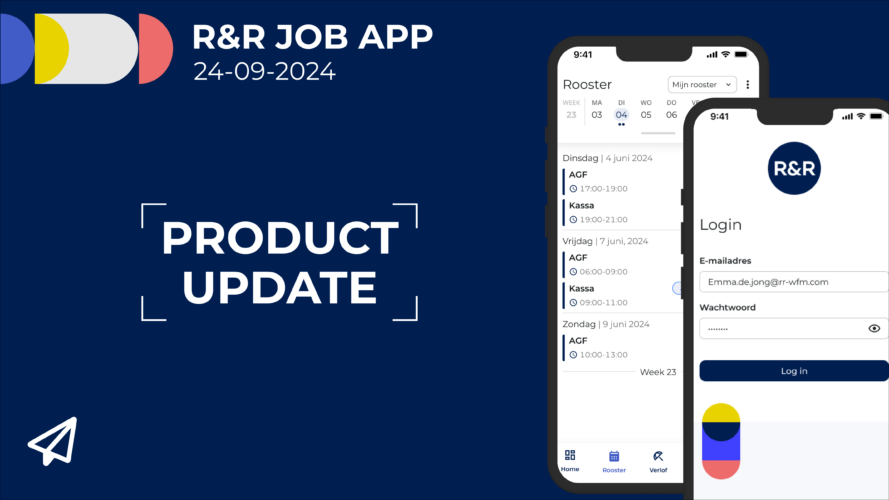
In this issue: More details about vacation | Vacation in the work schedule | Shift activity on the home screen & a bug fix
Employees can already view their vacation balances in the R&R Job App. All vacation transactions are aggregated and displayed by vacation type for the entire year. Starting next week, more information will be available on this vacation screen.
As announced in the last newsletter, we are keeping the unified overview where you can see all your current vacation balances, but we are adding the option to view the individual changes from the previous pay period. This allows employees to quickly verify that their pay stubs are correct.
The employee's estimated remaining vacation balance has been added to the requests, so that when a new vacation request is submitted, it is immediately clear how much remaining vacation the employee has. In addition, the comment entered when the request was submitted has been included, making it easy to see which vacation requests have already been submitted.
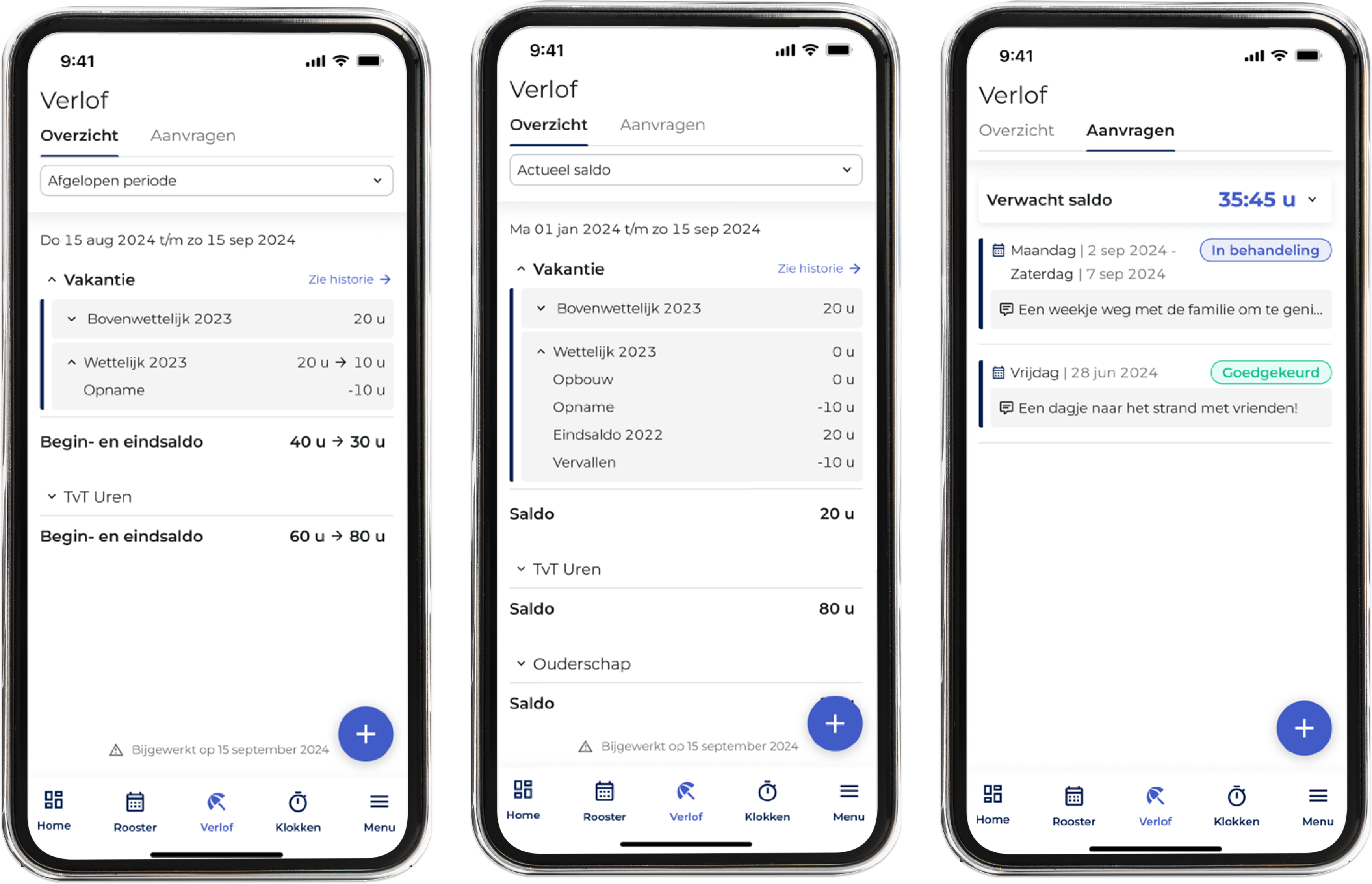
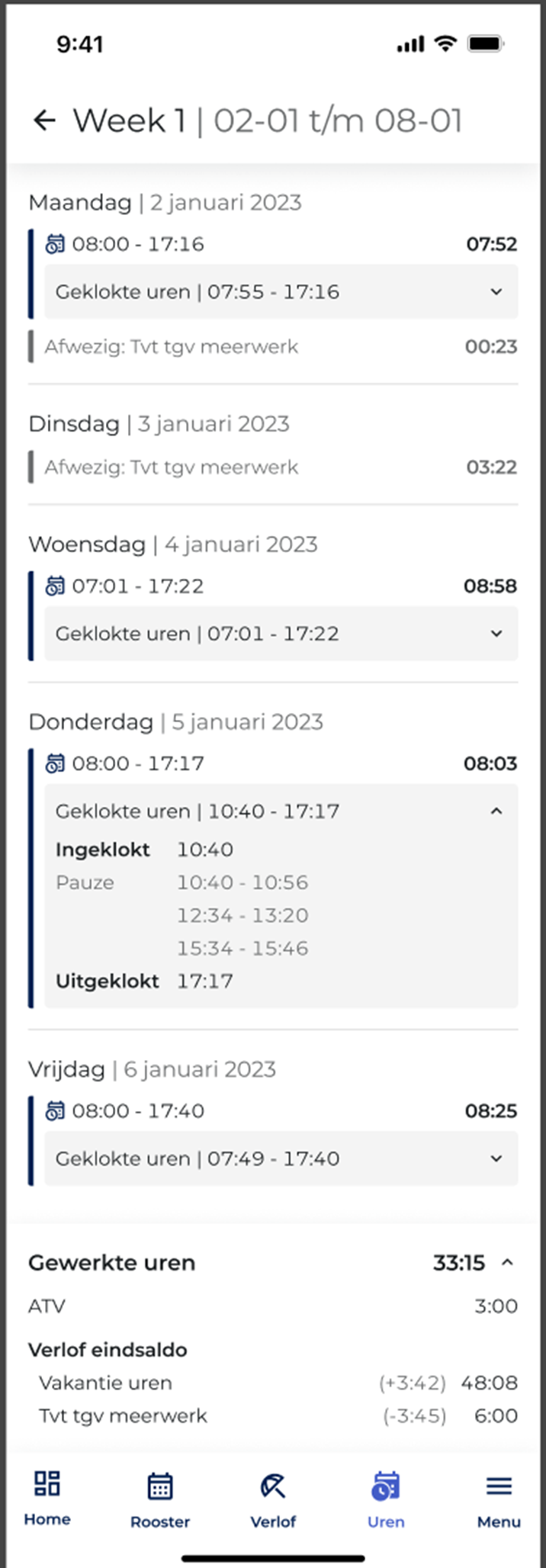
In addition to the changes to the vacation overview, additional information about vacation is now displayed alongside the hours worked. Throughout the week, you can see each day whether vacation—for example, from compensatory hours—has been taken. There is also a summary at the bottom so you can see at a glance how vacation balances have changed during that week.
By default, this feature is not enabled in the R&R Job App. Would you like this information to be displayed for employees? No problem! You can enable this feature for employees with a single click on the configuration page.
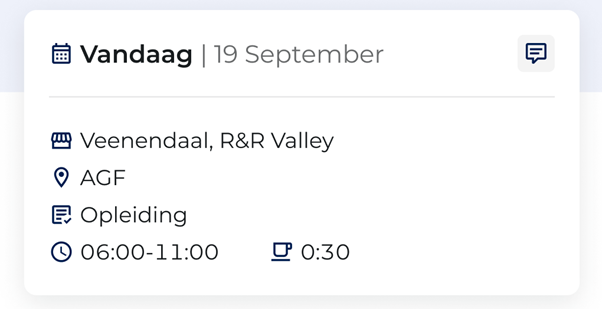
The R&R Job App’s home screen displays the employee’s next shift. Since training sessions and continuing education courses are also listed as “shifts” in the work schedule, they are displayed there as well. To avoid confusion for the employee, the app now also displays the specific task the employee is scheduled to perform if it differs from their normal productive work. This way, the employee knows immediately what is expected of them.
Unfortunately, it has come to light in recent weeks that, in some cases, the R&R Job App incorrectly counted “Not Worked, Not Paid” (WAB) hours as part of the total work hours. These are hours during which the employee was originally scheduled to work, but the shift was canceled by mutual agreement. This issue has since been identified and resolved. The incorrectly displayed hours from the past few weeks will be automatically updated in the first half of this week, so that these employees, too, can see the actual number of hours worked.
Do you have any questions about the information above? Please contact us at aftersales@rr-wfm.com .
Would you like to read past newsletters again? You can do so at any time on our website. You can find the archive of our product updates. here.
Sincerely,
Hiska Boelema – Product Owner