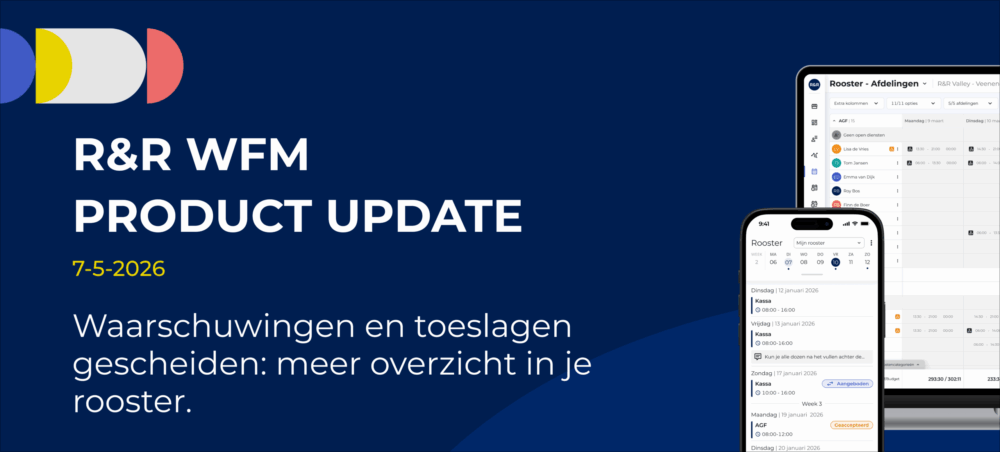
Warnings and surcharges listed separately: a clearer overview of your work schedule
To make planning clearer, the display of warning messages and surcharges has been improved. Previously, all messages were displayed haphazardly. This made it difficult to identify which items actually required action.
What has been improved?
Warnings are meant to prompt action.
In the previous situation, warnings and surcharges were mixed up.
As a result, this led to:
This has now been changed.
New Situation
*if you are authorized to do so; otherwise, you will only see the hours
How does it work?
Click the gray"Surcharges & Overtime" button.

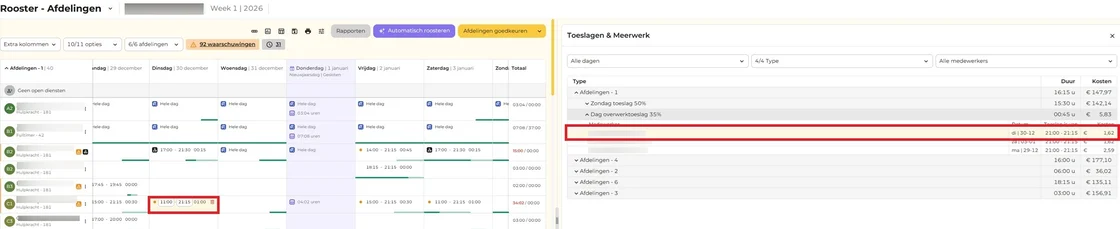
A split screen appears:
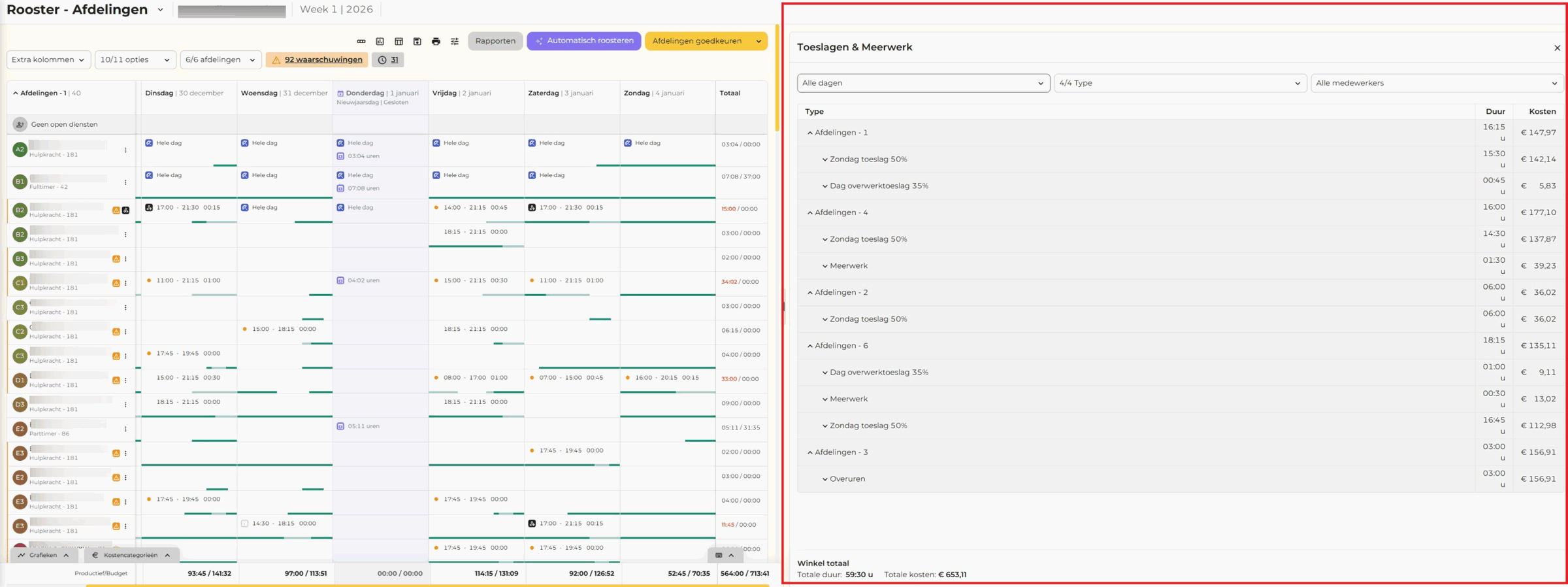
Get to the right place quickly
When you click on an employee's row in the right-hand window, you'll automatically be taken to the corresponding spot in the work schedule on the left. That means you no longer have to search for it. You can also resizethe "Bonuses & Overtime" window asyou like by dragging the divider.
Adjust the surcharge (if possible)
You can make changes directly in the class schedule, for example:
Is the surcharge no longer applicable? If so, it will automatically disappear from the overview.
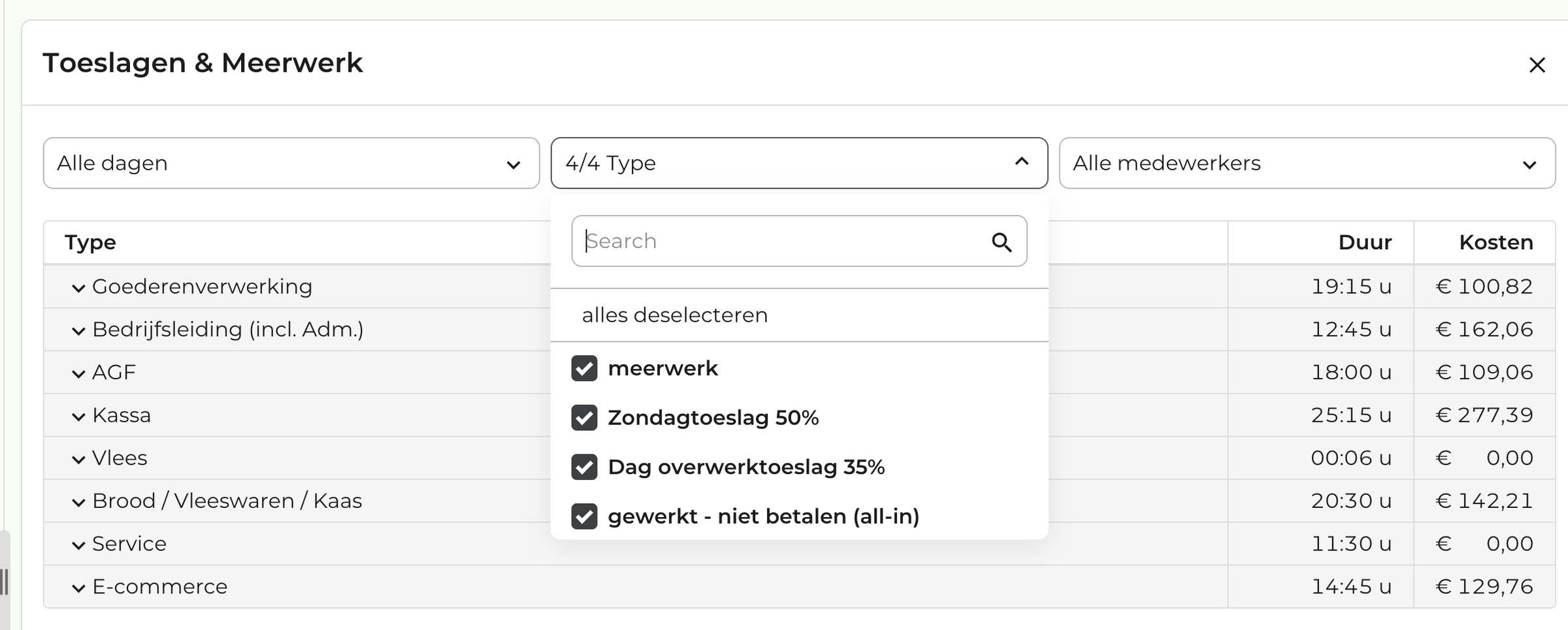
Apply Filter
You can filter by the following criteria:
Things You Should Know
In short
Do you have any questions about this update? Feel free to email us at support@rr-wfm.com. We'll make sure your question is forwarded to the right person.