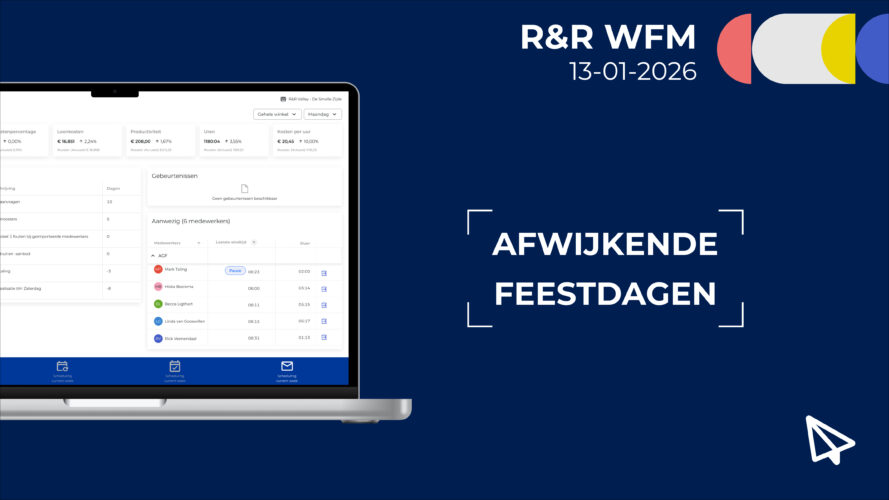
We have a new feature:Alternative Holidays. This allows you to replace official holidays with alternative holidays at the employee level.
Alternative holidays are holidays that an employee can choose instead of the standard holidays specified in R&R. For example, an employee can exchange Easter Monday—which they do not celebrate anyway—for Keti Koti, a holiday that the employee does celebrate. For this employee, any holiday premium hours and paid holiday hours will not accrue on Easter Monday, but rather on Keti Koti (July 1, 2026).
Sometimes an employee may want to celebrate a holiday other than the standard one. In this case, you can replace the official holiday with an alternative one.
Only R&R users with the "Application Management" role can enable this feature. This can be done for the entire license group or for individual stores within your license group.
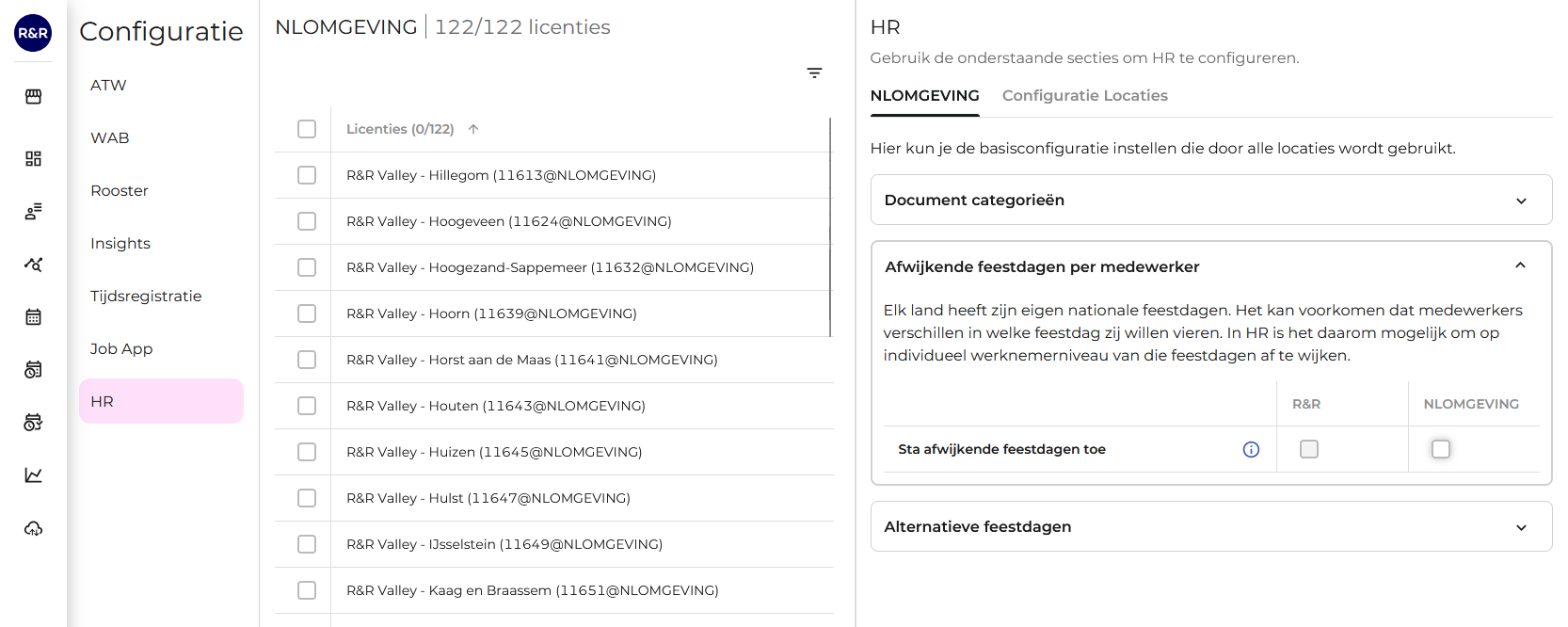
1. Enable the“
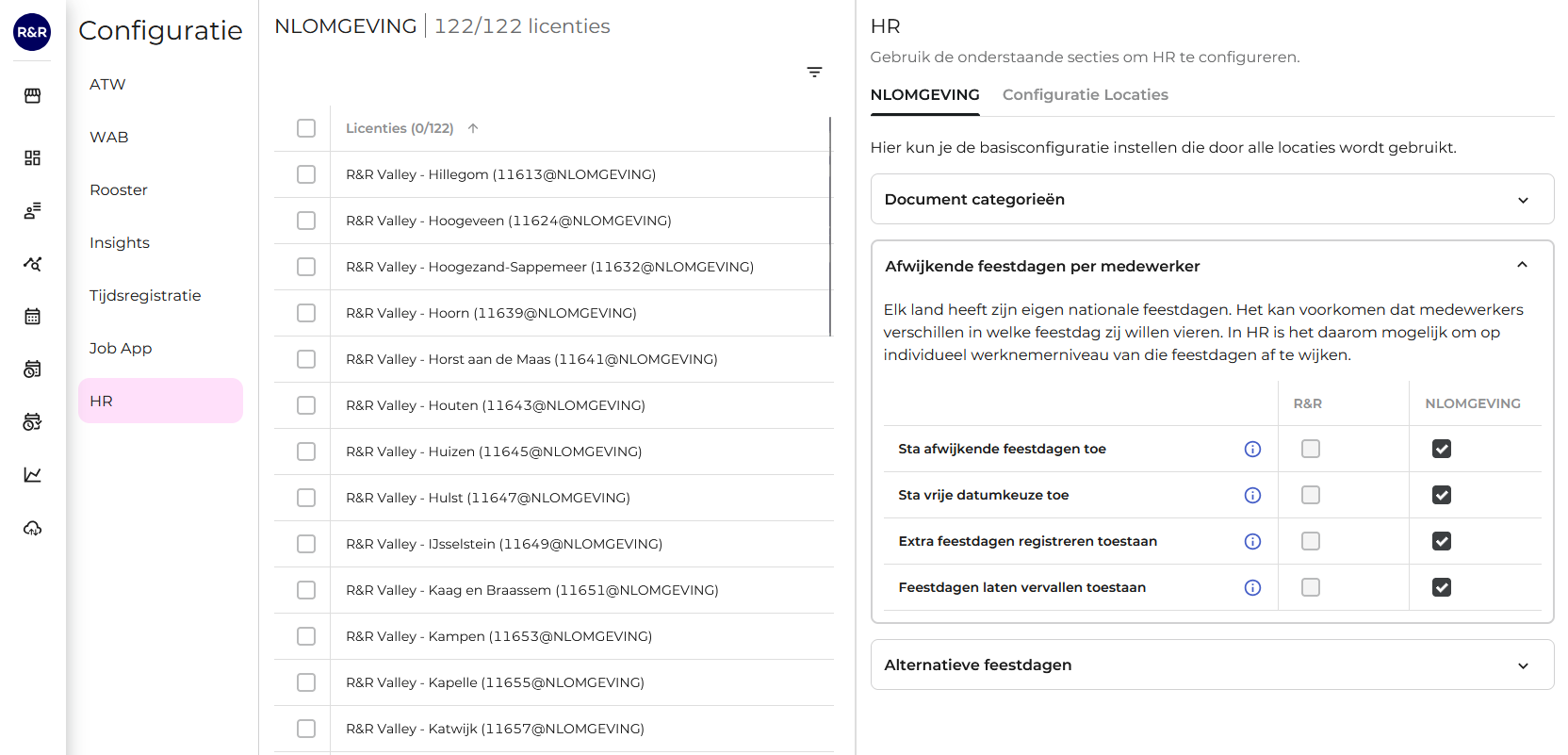
” ( Assign Different Holidays) feature. Goto “Configuratiescherm” (Control Panel) > “HR” andenable“Sta afwijkende feestdagen toeaan”(Assign Different Holidays).
You can then (optionally) enable additional options:
2. Customize the holidays for each employee at
. Go to the employee card and replace the official holidays with alternative holidays.
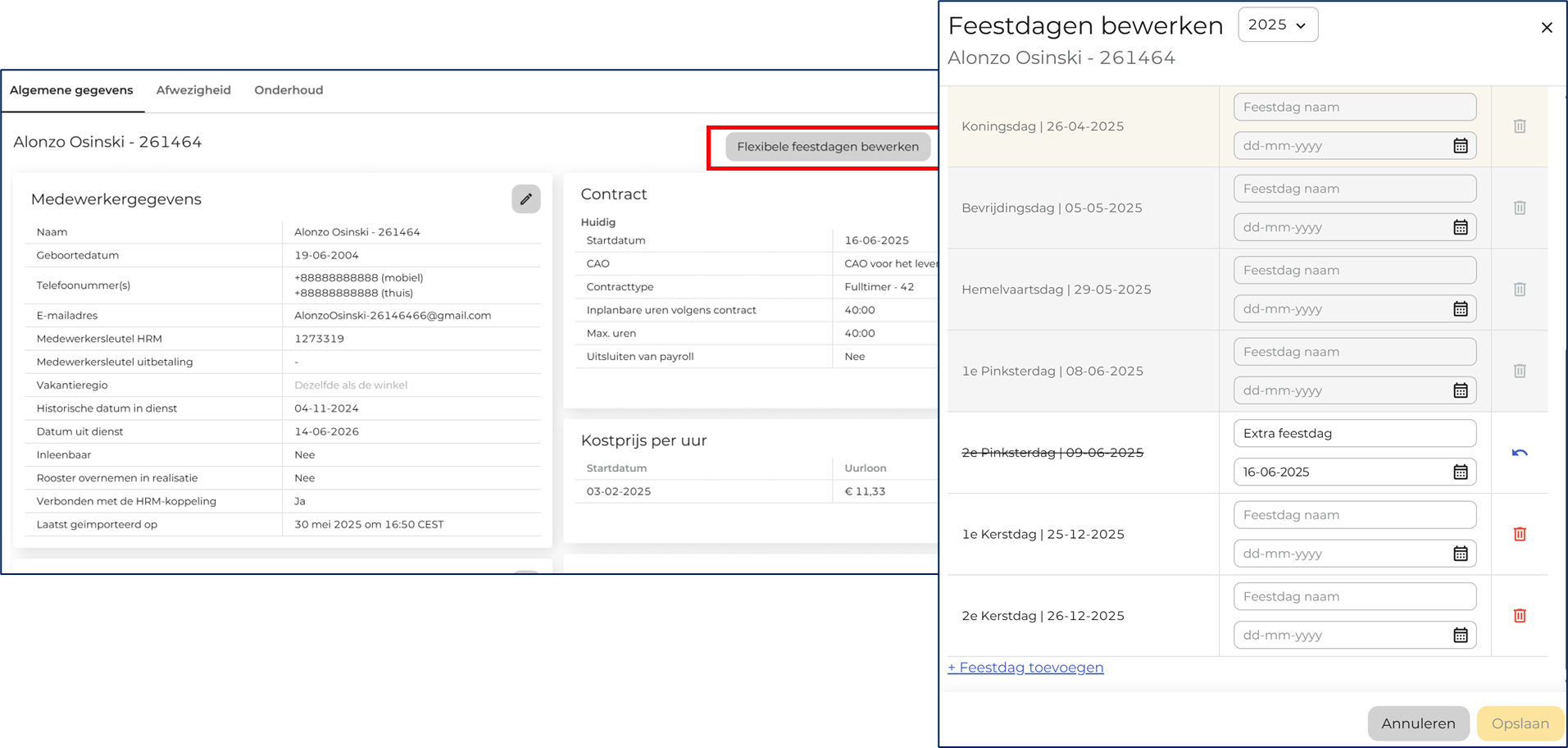
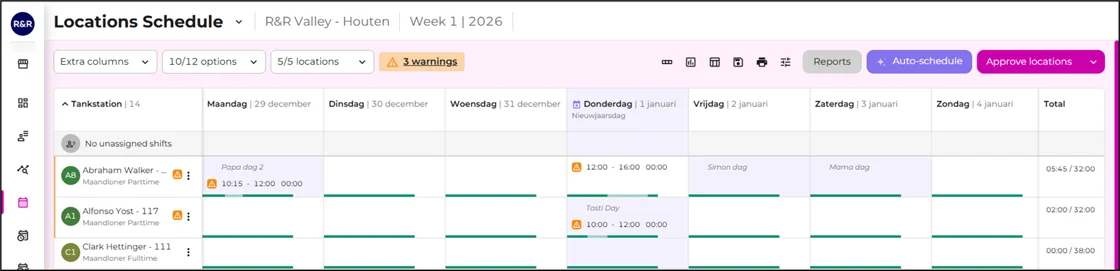
You can find further explanations and steps here in the knowledge base:
Do you need help or would you like to provide feedback?Our Service Desk (support@rr-wfm.com) is happy to assist you, and we'd love to hear your thoughts on this update. Together, we can make it even better.
Would you like to be the first to hear about our new products? Sign up on this page, and we'll add you to our mailing list. Would you like to read past newsletters again? You can do so at any time on our website. You can find the archive of our product updates here.
Sincerely,
Mark Taling – Product Owner