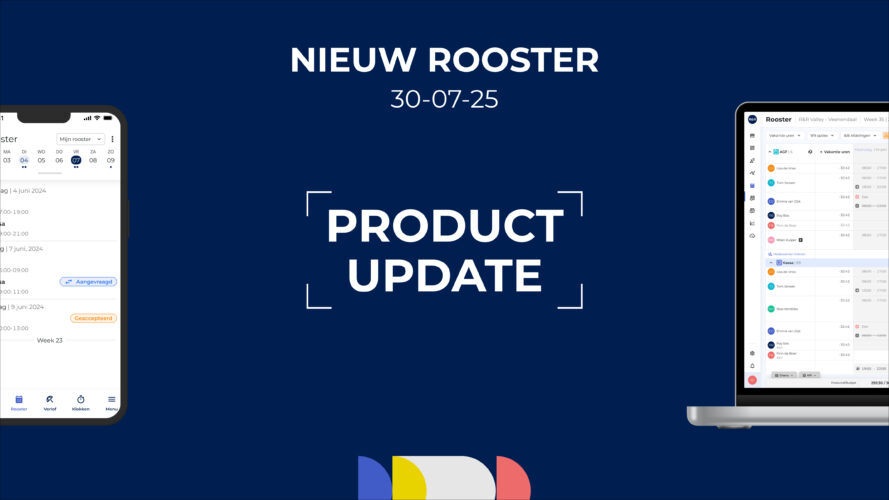
Last month, in our update on timetable development, we reported on open shifts and a new printable daily timetable. We haven't been idle since then; the following features are now available as well.
In the work schedule, night shifts can be entered as a single block and then split between the two actual days. If you enter shifts from 10:00 p.m. to 6:00 a.m., they will appear in the work schedule as follows:

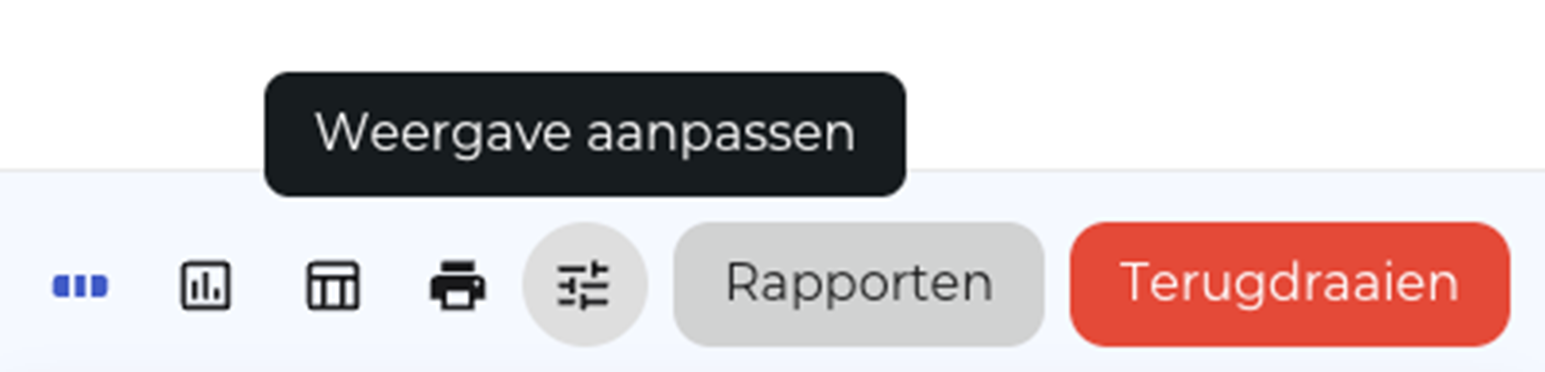
Starting now , you can specify in the schedule's display options that night shifts should be displayed as a single shift.

In this case, the end time is displayed on the day the shift begins, with a +1 symbol to indicate that the time is for the following day. This makes the schedule easier to read, especially when there are several night shifts in a row.

The last day in this example is a Sunday. Unfortunately, this feature is not available for the transition from Sunday to Monday, since the view only displays the selected week.
With the new “Additional Columns” option, you can display additional reference columns in the class schedule. This makes it even easier to make the right choices when planning. You decide which information is relevant to you.
You can select from the employee's total vacation balance, FPU*, and age. In addition, you can also choose from the individual vacation types available to employees in the work schedule. The exact list may vary from one work schedule to another, depending on the composition of the staff in that schedule.
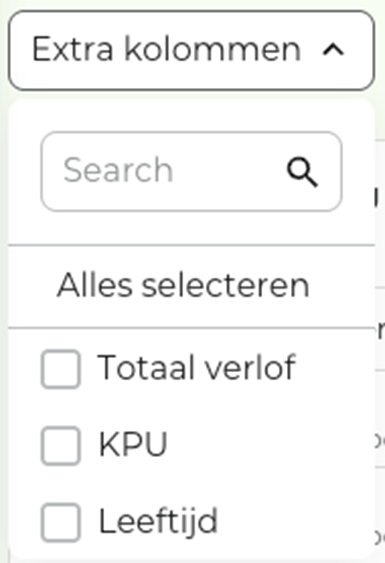
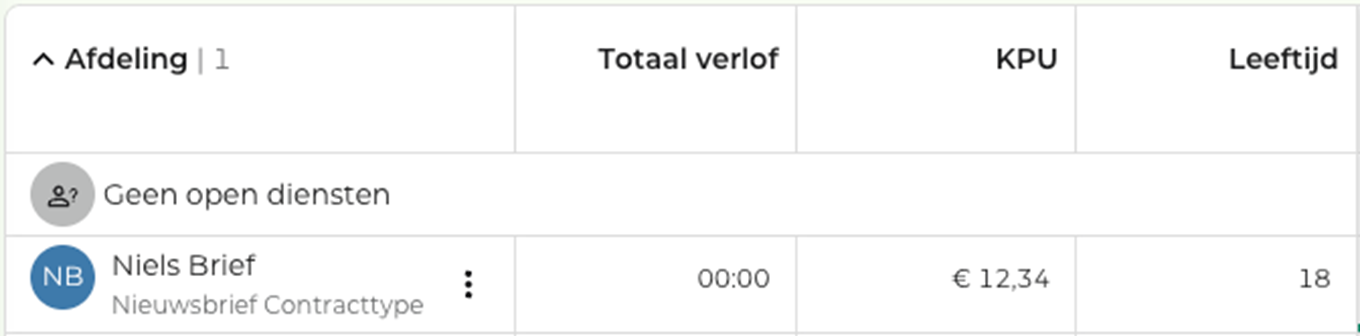
*) The KPU can only be selected if the user is authorized to view the KPUs.
The options now include the ability to display “Unscheduled Employees.” This isn’t new—in fact, the opposite is true: If you turn this option off, you can hide all unscheduled employees!
This way, you can immediately see who is scheduled and get a good overview of the department's staffing.
This feature will soon be supplemented by an option that allows you to view the entire store at once, giving you a comprehensive overview of the profession.
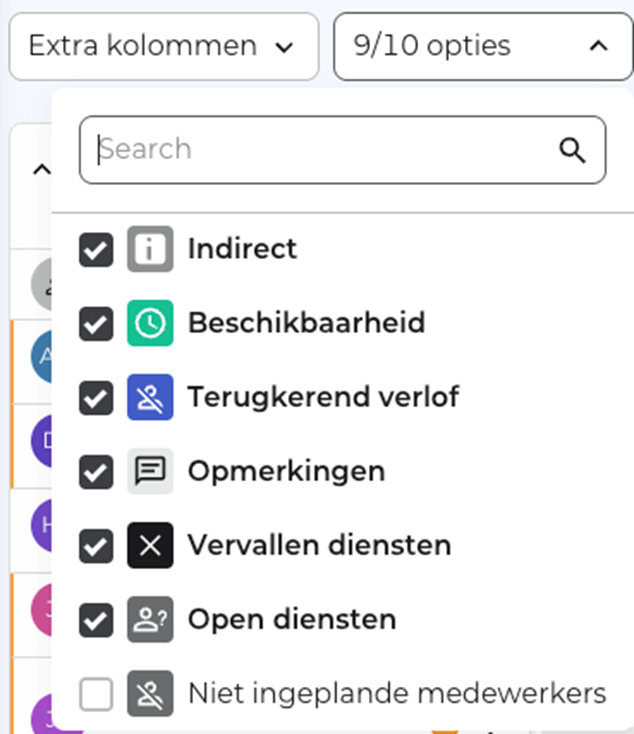
To make the options easier to identify, we've labeled them with icons so you can quickly find the option you're looking for.
Do you need help or feedback? Our service desk (support@rr-wfm.com) is ready to assist you, and we'd love to hear what you think of the update. Together, we'll make it even better.
Would you like to read past newsletters again? You can do so at any time on our website. You can find the archive of our product updates. here.
Sincerely,
Mark Taling – Product Owner