Sometimes an employee forgets to clock out. This can be detected when reviewing payroll or opening the dashboard. But did you know that you can clock an employee out if he or she forgets to do so?
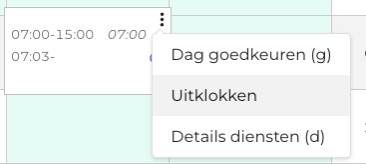
When you review the timesheets, you'll immediately see which employees forgot to clock out. Using the three dots, you can clock these employees out. You can select the correct date and time when the employee should have clocked out. This allows you to immediately approve the hours from the previous day or previous shifts.
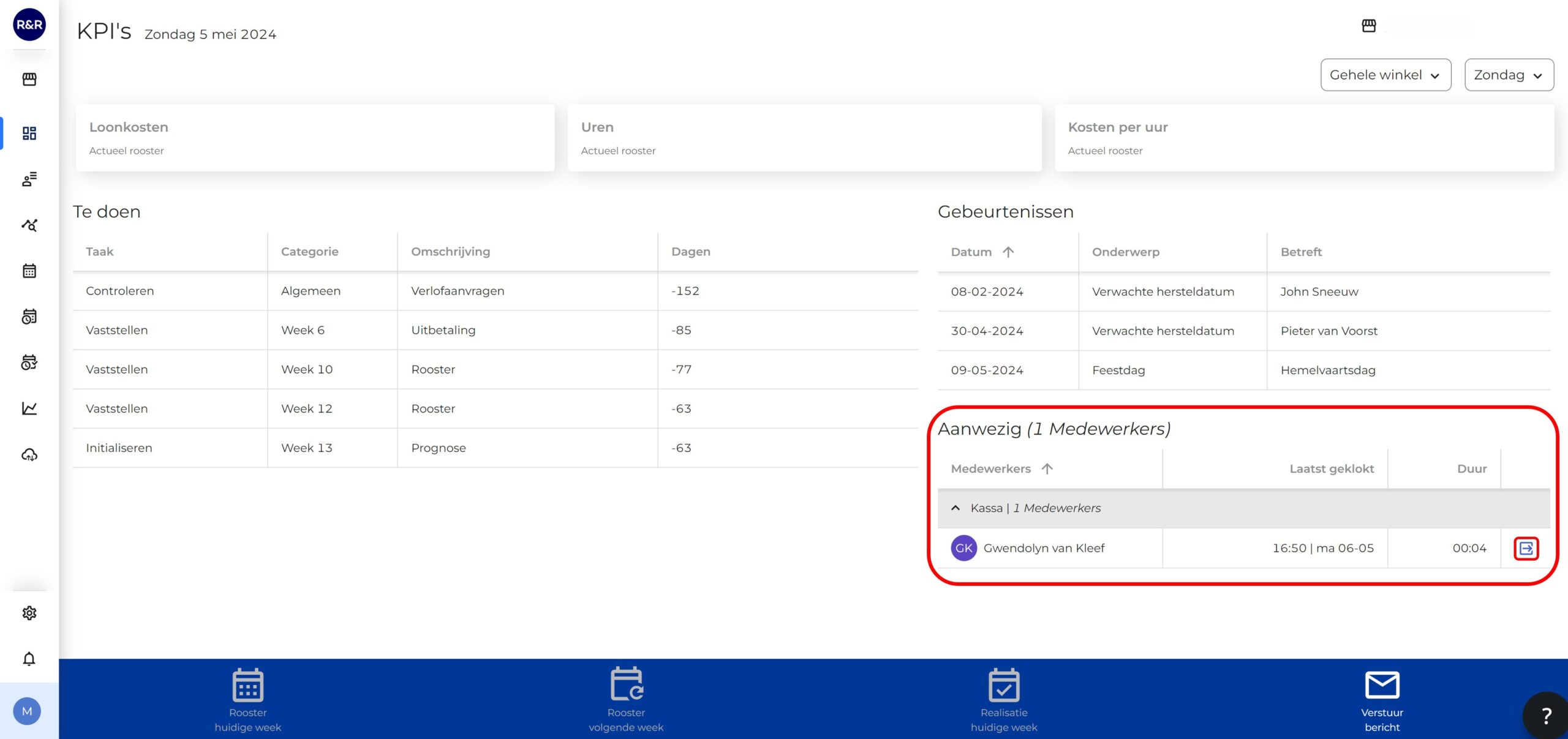
When you open R&R, you'll immediately see an overview of all employees who have clocked out. You may notice that an employee is still logged in even though they have already gone home. In this case, you can clock the employee out directly from this screen so that you have the correct data when reviewing the hours worked.