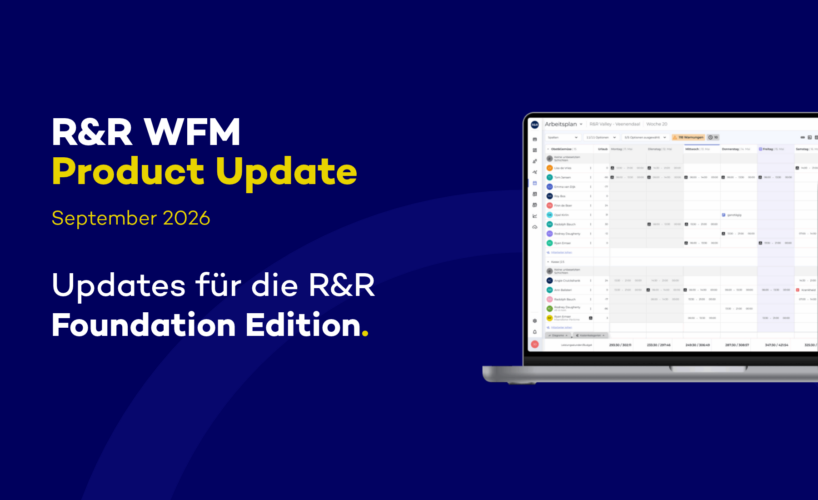
Effective October 1, 2026, we will make numerous features available to all R&R users—features that participants in the R&R Exploration Edition have tested extensively. You can look forward to the following features:
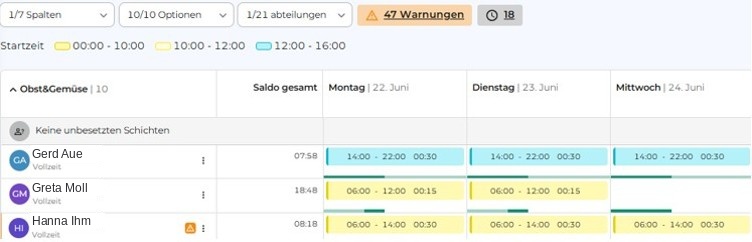
1. Work Schedule: Colors Based on Shift Type
If you’d like a better overview of the number of scheduled early and late shifts in the work schedule, you can now use shift colors to achieve this. Colors, as well as the number and time slots of the shifts, can be freely configured in the settings under “My Store.”
Once you enter the shift, it is automatically highlighted in the schedule with the corresponding shift color. The printed daily schedule also uses the shift colors if you enable the corresponding option.
2. Employee Data: Additional Columns
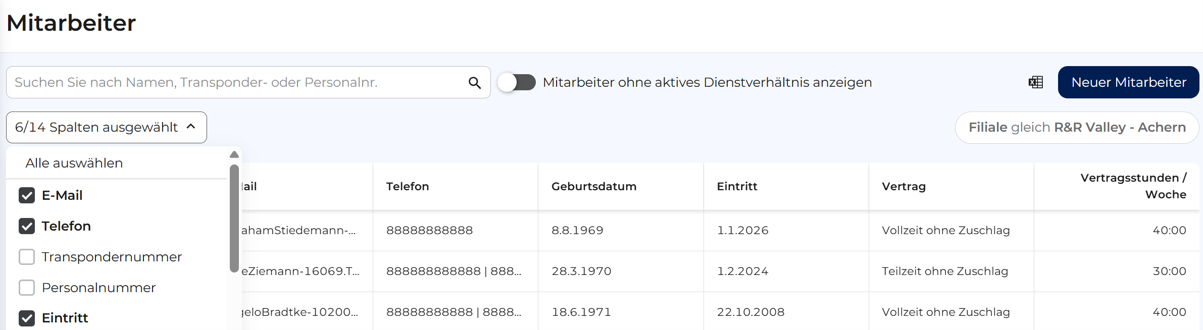
Since the introduction of the new employee data view, you can now see columns containing your employees' email addresses and phone numbers and export them to Excel.
We're expanding this view to include many additional columns, such as contract type, contract hours, date of birth, and start and end dates. You can individually show or hide any of these columns and sort your employees by them.
3. Weekly Closing: Automatic Recalculation
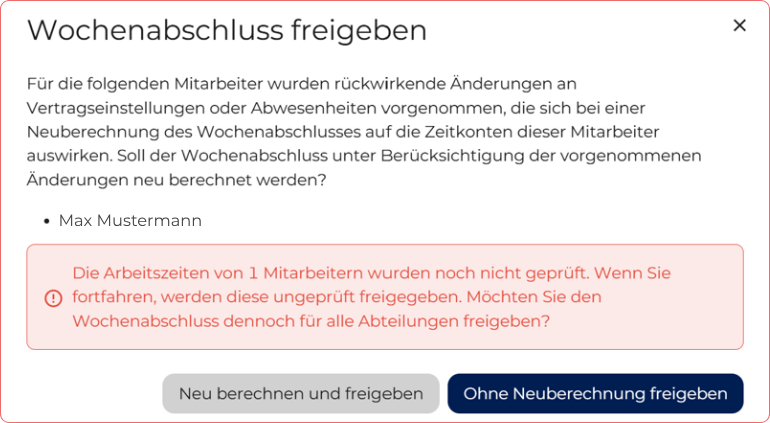
If you made certain retroactive changes (e.g., adding vacation or sick leave, changing contract settings) by resetting weekly closings, you previously had to manually trigger a recalculation so that the system would take your changes into account. This process was inconvenient and was often overlooked.
With the upcoming release, the system will automatically detect retroactive changes and will actively ask you whether you want to recalculate the weekly closing figures to reflect these changes.
4. Updated Dashboard
The dashboard—our “home page” in R&R—has been redesigned both visually and technically and now loads much faster. The layout of the sections remains the same, so you’ll be able to navigate it just as quickly as you did on the old dashboard.
5. Entering Vacation Time
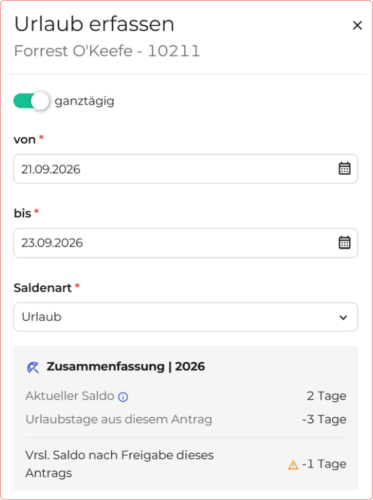
Perhaps, while planning vacation time in R&R, you've wondered how many vacation days an employee has left.
When you create, edit, or approve a vacation request, the sidebar you're already familiar with will open on the right. After the update, you'll be able to see there what your year-end balance will be before and after you approve the vacation request you're currently editing.
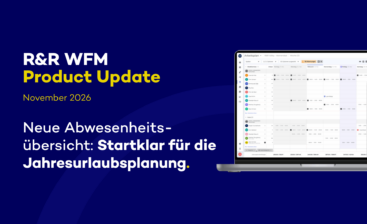
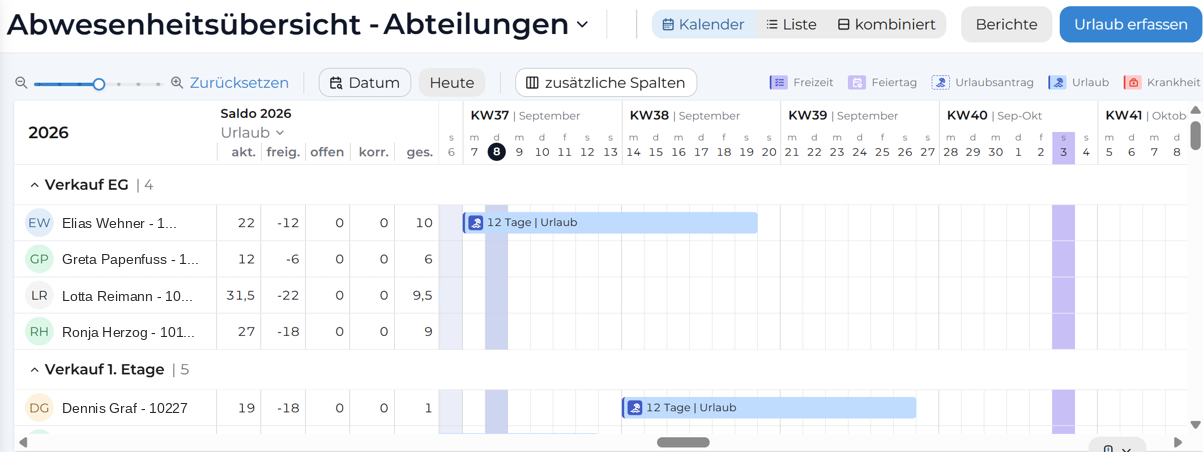
6. Starting November 2, 2026: New Absence Overview
While you’ll be able to use all of the above features starting October 1, 2026, we’ll make the new Absence Overview available on November2, 2026—just in time for planning your 2027 annual leave.
In this update, we will not only significantly improve navigation but also make annual vacation planning easier overall. In particular …
By zooming in and out, you can view a longer time period on a single page as needed, and use the scroll bar to move the displayed time period.
Any questions?
Do you have any questions about this update? Feel free to email us at support@rr-wfm.com. We'll make sure your question is forwarded to the right person.